1. Match the mount to your vehicle
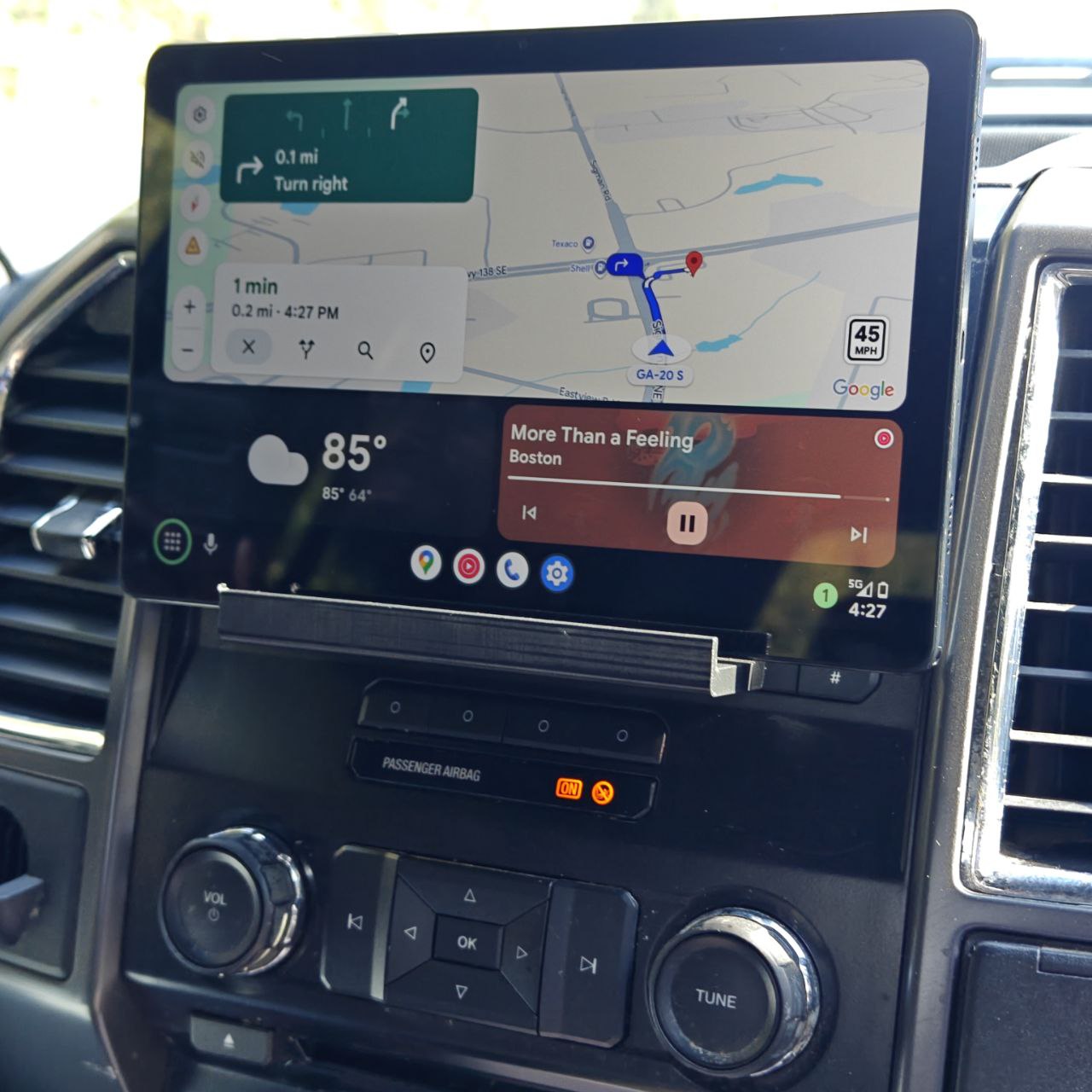
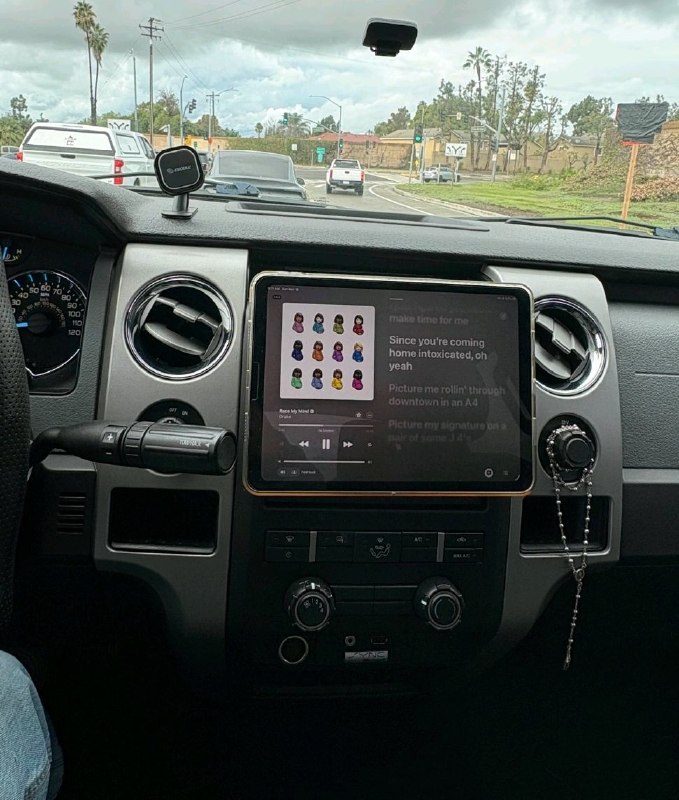
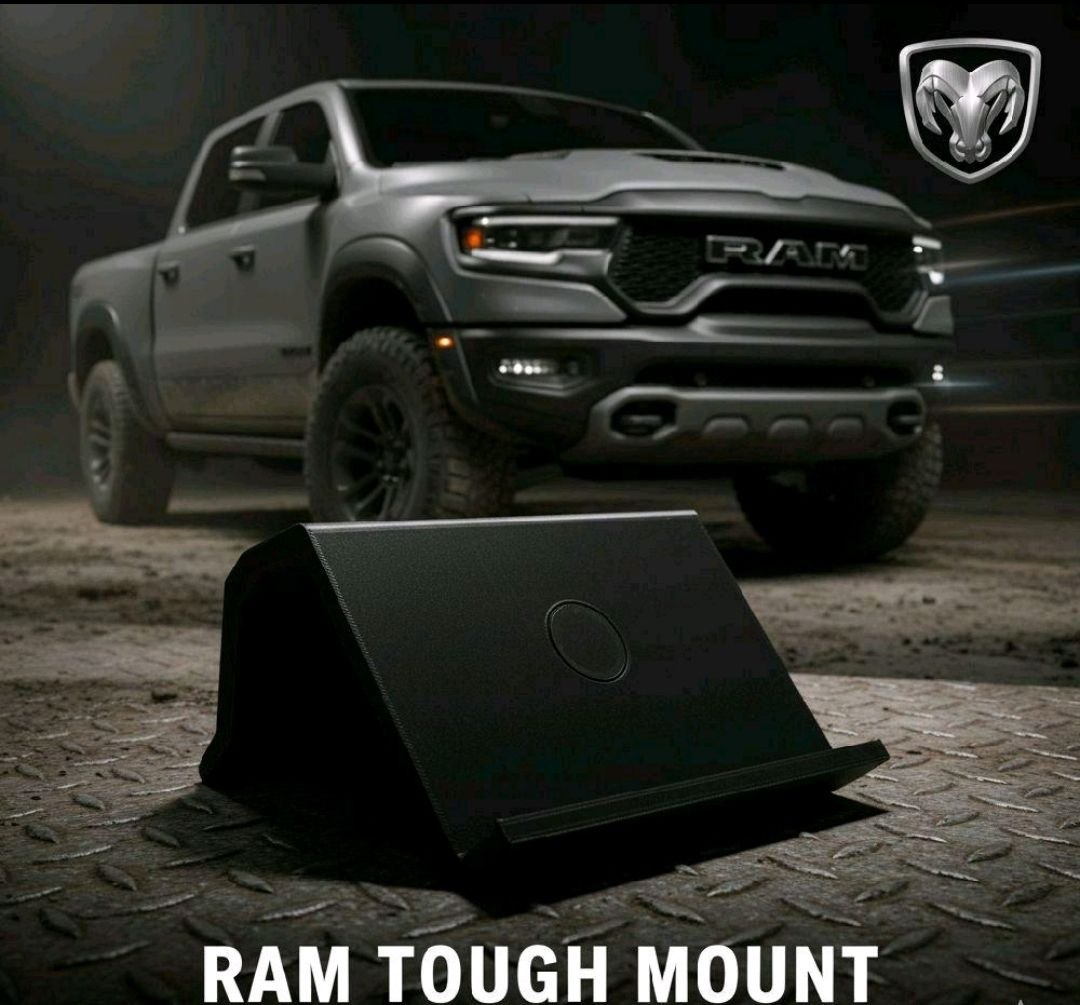
Begin with the product you ordered and the dashboard in front of you. This catalog separates F-150 2009–2020, newer Ford applications, and Ram 2013–2024 into different choices. Make sure the photo and listed application match your truck before attaching anything. This guide is a preparation checklist; it does not replace the installation instructions supplied for your particular mount.
2. Inspect the intended location
Look for an existing accessory, changed trim, or anything occupying the space the mount needs. Check how the surrounding controls operate and whether any moving part uses that space. Do not force a mount into an opening that appears different from the product photo. If the fit is uncertain, stop and confirm the correct design before modifying the dashboard.
3. Check the complete device setup
Use the tablet with the case you actually intend to keep on it. Cases, grips, folding stands, and charging plugs can change the total dimensions. Look at the available clearance around the whole device, not just the mount. Magnet plates are included with these products, but their inclusion is not a claim that every tablet, case, or charging setup works without adjustment.
4. Follow the supplied attachment instructions
Use the instructions and hardware specified for the exact mount. Do not infer screw locations, adhesive requirements, cure times, or drilling instructions from a general blog article. Those details depend on the supplied product and the mounting surface. If instructions are missing or unclear, get the correct guidance before installing rather than improvising an attachment method.
5. Plan cables and access while parked
Position cables so they do not interfere with controls, moving parts, or foot space. Check access to switches and vents with the tablet in place. Confirm that the device does not obstruct the view you need to operate the truck. A neat-looking installation should also leave everyday functions accessible; move or reconsider the setup if it prevents that.
6. Recheck before regular use
Inspect the installed setup according to the product instructions before using it regularly. If something moves unexpectedly, blocks a control, or does not sit as intended, resolve the issue while parked. Set navigation or other device functions before driving. The mount organizes the device location; it does not make interacting with a screen while driving appropriate.